

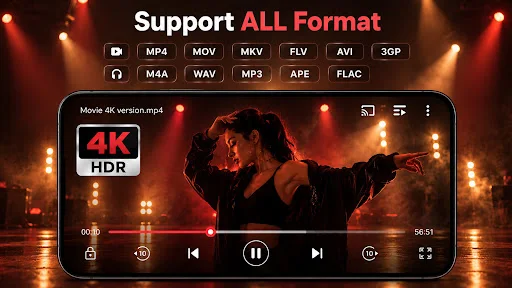
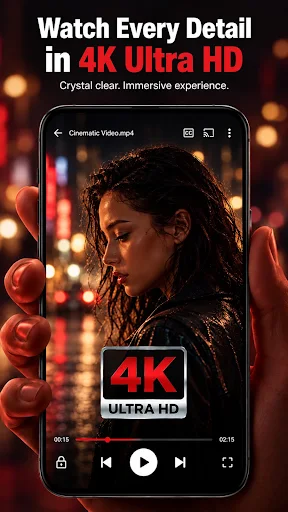
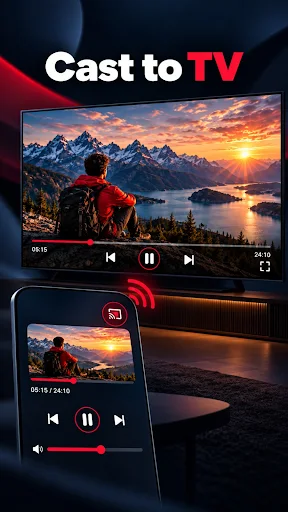
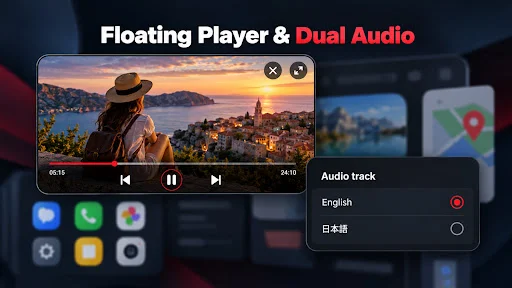
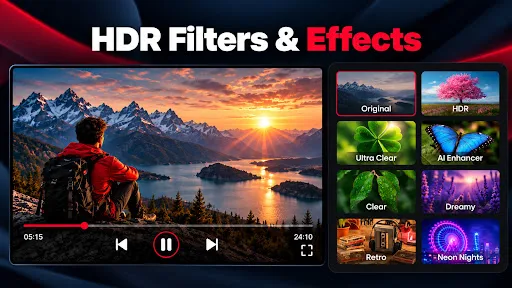
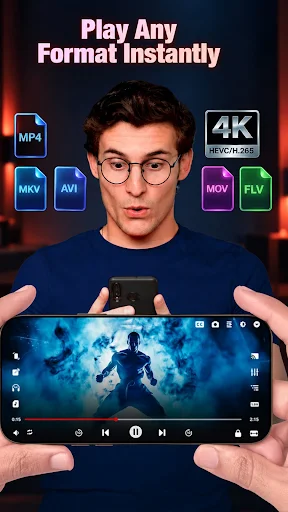
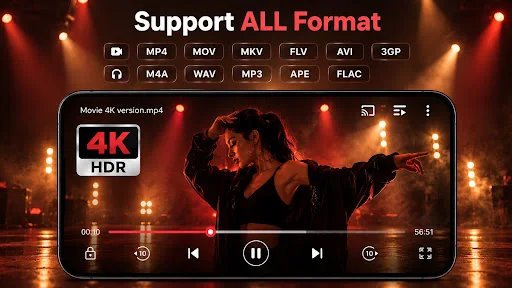
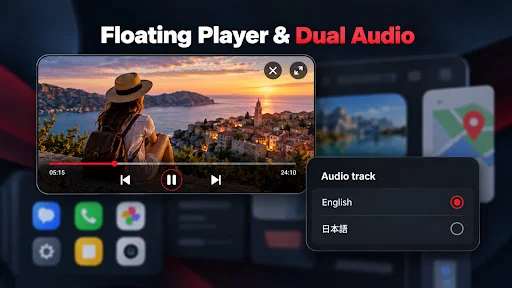
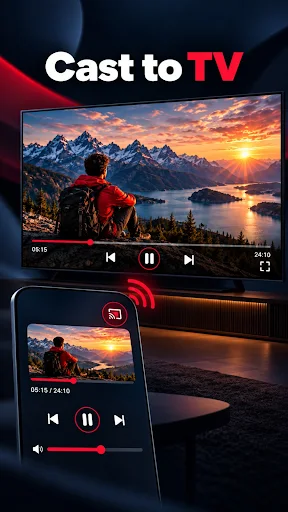
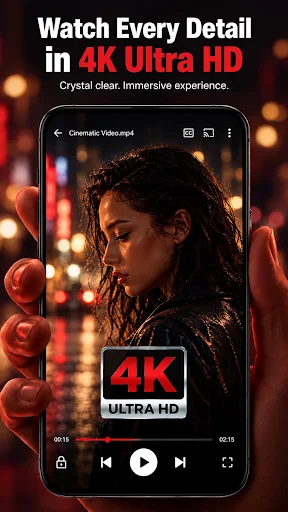
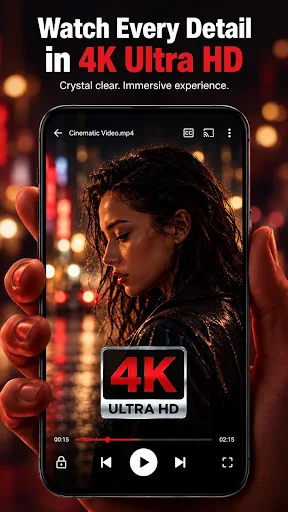
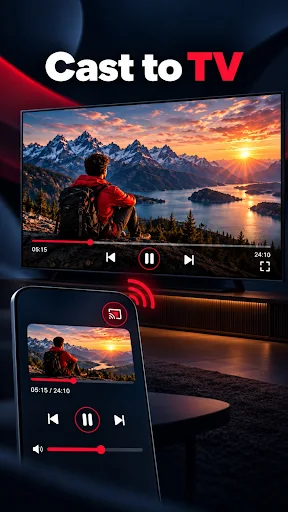
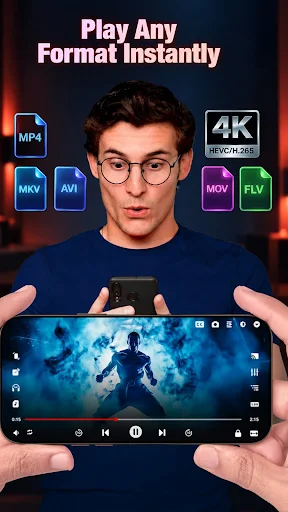
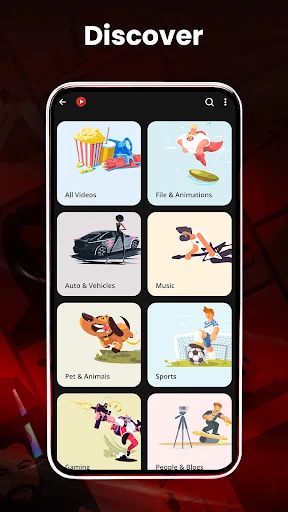
HD Video Player All Formats is an app designed for playing a wide array of video and audio files directly on your device. It enables users to play content ranging from standard definition up to Ultra HD, including 4K video files, and supports formats such as MKV, MP4, M4V, MOV, and MP3. The app also features capabilities like casting video to a TV, a built-in video downloader, and options for playback in a pop-up window or split-screen.
Supported Media Formats and Playback Options
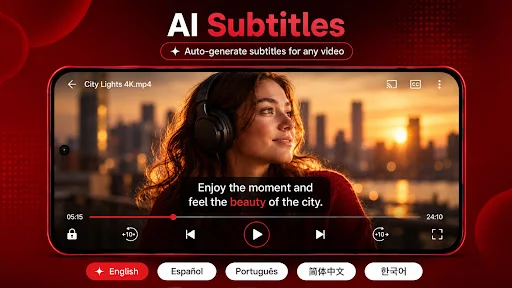
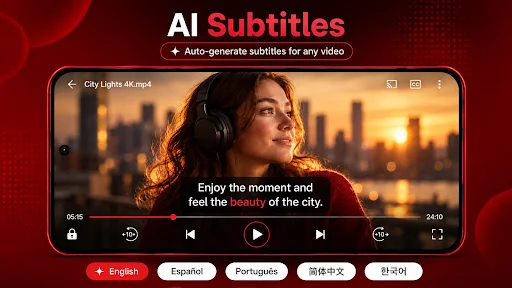
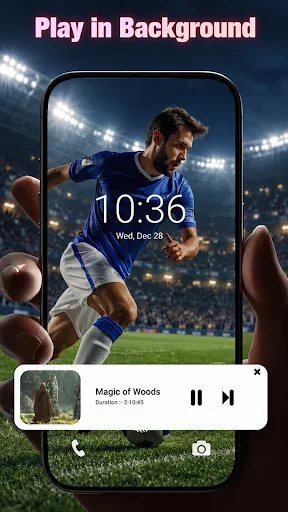
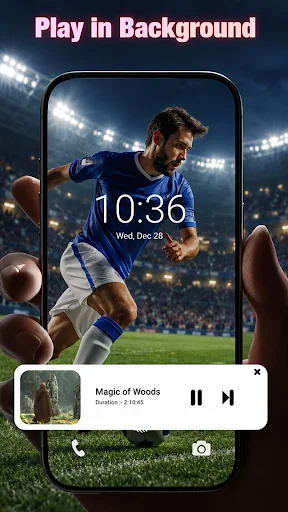
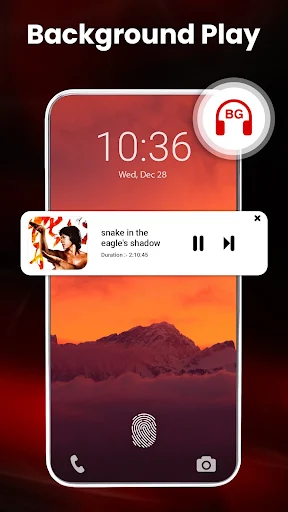
The app is built to handle many popular media formats, including MKV, MP4, M4V, MOV, 3GP, FLV, WMV, TS, MP3, and MPG. It supports various video resolutions, from HD and Full HD to 4K and Ultra HD. For playback, the app incorporates hardware acceleration using an HW+ decoder and Extension mode to optimize performance. Users can adjust playback speed, utilize dual audio tracks, and access subtitle support, including a multiple subtitle downloader. Playback can be configured in a pop-up window, a split-screen view, or in the background as an audio file. A sleep timer is also available for both video and music playback.
Media Management and Organization
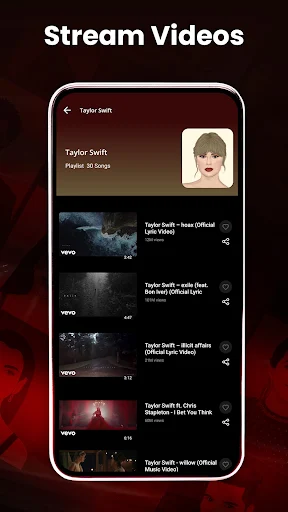
HD Video Player All Formats automatically identifies all video files on your device and can scan an SD Card to locate media. It includes a built-in gallery for managing photo albums. For organizing media, users can browse and search all files, create playlists, and search by artists, albums, or genre. The app also keeps track of recently played videos and songs, offering options to resume playback or start over.
Additional Tools and Features
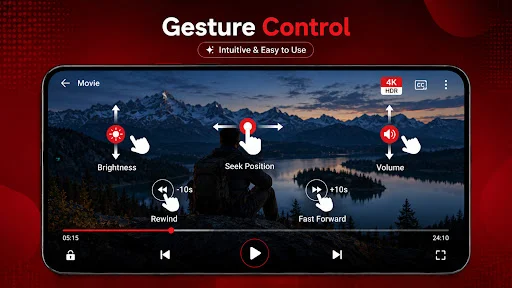
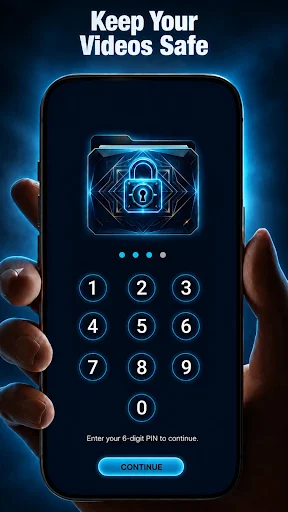
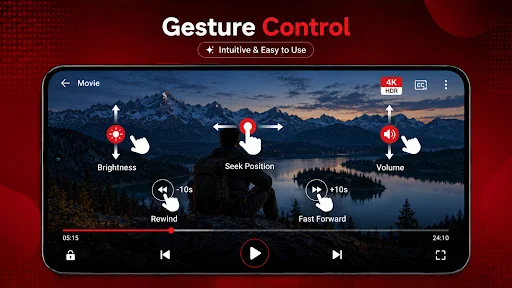
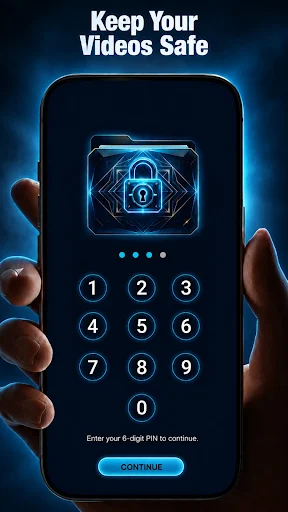
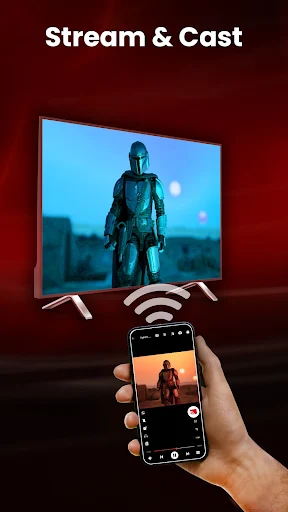
Beyond basic playback, the app provides several integrated tools. It includes a built-in video downloader for supported media files and can cast video content from your Android phone to a TV. For privacy, there’s a feature to keep selected video files safe in local storage. Smart gestures are supported for controlling volume, playback progress, and brightness. Other playback options include pinch-to-zoom, auto-rotation, aspect ratio adjustments, and a screen lock. The app also features a Night Mode to reduce blue light and a Quick Mute option on the player screen. Recent updates have introduced a new Material design for a smoother HD video player experience, improved 4K HDR playback, and enhanced Chromecast, floating window, and background playback functionalities.







Write a review